
Every sales manager knows this moment. A lead fills out a form at 9 p.m., the team sees it the next afternoon, and by then the prospect has already spoken to a competitor. The product was fine and the price was fair, but the timing was wrong. Speed and follow-up decide more deals than most teams admit, and this is where the WhatsApp Business API helps. Used well, it gives your team one organised place to reply quickly, qualify leads, and keep conversations moving. This guide explains how it works, what to set up first, and how to choose the best WhatsApp API provider for your business.
Why Lead Management Breaks Down in Most Sales Teams
Most leads are not lost because the pitch was weak. They are lost in small, boring ways. Calls go unanswered, emails sit unopened, and WhatsApp chats get scattered across personal phones. When one executive leaves, half the conversation history leaves with them.
Three problems show up again and again:
- Slow first response: Leads arrive from ads, websites, and calls at all hours, but replies happen only during office time.
- No shared view: Two people may chase the same lead while a third lead is ignored completely.
- Weak follow-up: Reminders live in notebooks or in someone’s memory, so they get forgotten when the day gets busy.
As lead volume grows, manual tracking stops working much sooner than teams expect.
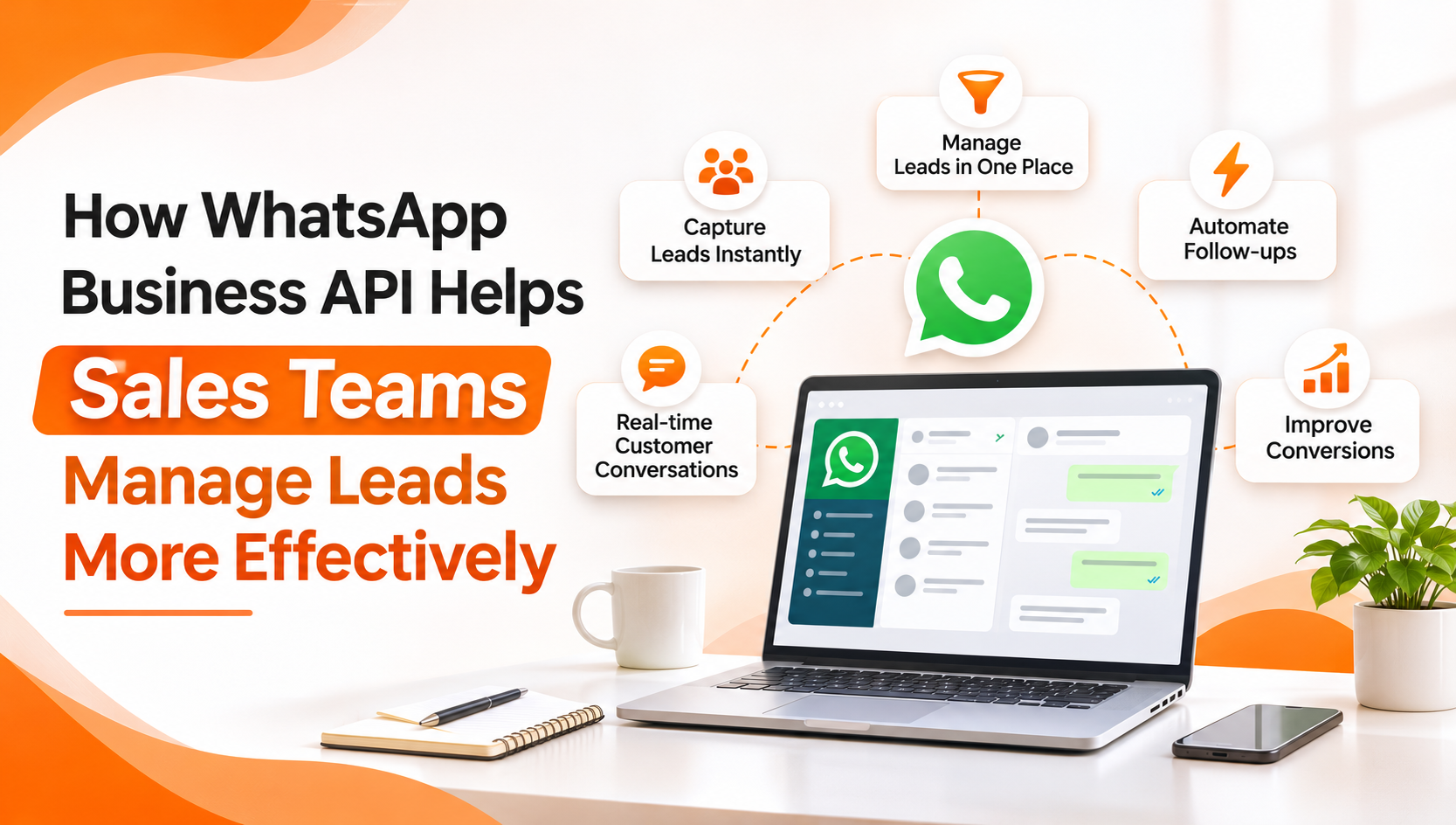
What the WhatsApp Business API Actually Changes
The regular WhatsApp Business app suits a small shop owner, but it was never built for a team of ten sales reps. The WhatsApp Business API is Meta’s official solution for companies that need to talk to customers at scale. It works through an approved provider, and that provider gives you the dashboard, automation tools, and compliance support on top.
One Number, Many Agents
A shared inbox lets your whole team answer from a single official WhatsApp number. Chats can be assigned to specific reps, and teammates can leave internal notes so nobody asks the customer the same question twice. Supervisors, meanwhile, can see who is replying quickly and who needs help.
Faster First Replies
The first few minutes matter most. With the API, a new enquiry can get an instant welcome message, even at midnight. The message can thank the person, confirm you received the enquiry, and tell them when a human will follow up. That small step keeps interest alive while your team is offline.
Lead Qualification on Autopilot
Not every enquiry deserves an hour of a senior rep’s time. A simple chatbot can ask a few questions about budget, location, or the product they want, and then route the chat to the right person. Both the customer and the rep save time, because the conversation starts with real context instead of a blank screen. Good platforms let you build these flows without writing code, so a sales manager can edit them without waiting for a developer.
Turning Click-to-WhatsApp Ads Into Real Conversations
Many businesses run Facebook and Instagram ads that send people to a landing page, and then lose most of them there. Click-to-WhatsApp ads take a shorter path. The person taps the ad and lands directly in a chat with your business. There is no form to fill, and nothing to wait for.
The API makes this work at scale. Every ad click can trigger an automatic greeting, tag the lead by campaign, and drop it into the shared inbox. Your team can then see which ads bring real conversations, not just clicks. For sales teams that spend heavily on ads, this link between spend and conversations is one of the biggest practical gains.
Keeping Leads Warm With Follow-Ups and Broadcasts
Most deals need more than one touch. A prospect may like your quote but go quiet for a week, or they may ask for time to discuss it internally. Following up by phone feels pushy, yet silence loses the deal.
WhatsApp sits comfortably between the two. A short, friendly message about a demo reminder, a pending quote, or a payment date feels natural there. Two rules apply, though. First, marketing messages need the customer’s clear opt-in. Second, messages sent outside the active chat window must use templates approved by Meta. A good provider guides you through both, so your account stays safe.
Broadcasts work well when you segment your list. Rather than blasting everyone, you can send one message to people who asked about pricing and another to people who attended a demo. Targeted messages get replies, whereas generic ones get muted.
Connecting WhatsApp With Your CRM
A chat tool alone solves only half the problem. The real value appears when conversations flow into the system your team already uses. Many platforms connect with CRMs such as Salesforce, HubSpot, and Zoho through APIs or connectors. When that link is in place, a new WhatsApp lead can create a CRM record automatically, and the chat history stays attached to it.
This matters more than it sounds. A rep who opens a lead can see what the person asked last week, what was promised, and what is pending. Neither the customer nor the team has to repeat information, so handovers between reps stop being painful.
Tracking What Works With Analytics
You cannot improve what you do not measure. A good dashboard shows message delivery, replies, chatbot performance, and how long agents take to respond. With that data, a sales head can answer practical questions. Which campaign brought the most serious leads? Where do prospects stop replying? Which rep closes chats fastest, and what is she doing differently?
Reviewing these numbers weekly, even for fifteen minutes, usually reveals easy fixes, like a template that needs rewriting or a follow-up that goes out too late.
How to Choose the Best WhatsApp API Provider
Because the API is only accessible through providers, your choice affects daily work more than any single feature. Here is what to check before you commit:
- Official Meta partnership: Confirm that the provider is authorised by Meta, not just reselling a workaround. Unofficial tools can get your number banned.
- Onboarding support: Number registration, business verification, and template approval can confuse first-time users. Good providers handle these steps for you.
- Shared inbox and no-code automation: Your sales team should be able to build and edit flows without technical help.
- Integrations: Check whether it connects with your CRM, website forms, and other tools.
- Clear pricing: Ask what the platform fee covers, and what Meta charges separately for conversations. Hidden costs are a common complaint.
- Real support: Find out whether you will reach an actual person when a campaign stalls at 6 p.m.
- Room to grow: The platform should handle ten messages a day today and ten thousand later.
A cheap tool with poor support often costs more in lost leads than a reliable one costs in fees. So the best WhatsApp API provider is not necessarily the loudest or the cheapest. It is the one your team will actually use every day.
Where ItTalk Fits In
ItTalk by Imbibe Tech, is one option that covers the checklist above. It operates as a Meta Authorised Tech Provider, and it includes a multi-agent shared inbox, a no-code workflow builder, broadcast tools, analytics, and CRM integrations. The onboarding team handles number registration, verification, and template approvals, so sales teams can focus on conversations instead of setup. Plans start at ₹990 per month (terms apply), while Meta’s conversation charges are billed separately. A demo is available if you want to see how the flows would look for your own leads.
A Few Practical Tips Before You Start
- Begin with one use case, such as instant replies to ad leads, and add more later.
- Write templates the way people talk. Stiff, formal messages get ignored.
- Set clear rules for handover, so the bot knows when to pass a chat to a human.
- Respect opt-ins. Consent protects both your customers and your account.
- Review the numbers every week and change one thing at a time.
Frequently Asked Questions
1. Why should sales teams use the WhatsApp Business API instead of the regular app?
The regular app is meant for one person on one phone, so it struggles once several reps share leads. The API adds a shared inbox, automation, CRM integration, and reporting, and it also keeps conversation history inside the company instead of on personal devices. That makes lead handling more organised and far easier to scale.
2. What makes the best WhatsApp API provider for lead management?
Look for an official Meta partner with strong onboarding help, a shared inbox, no-code automation, CRM integrations, and clear pricing. Reliable support matters just as much as features. Before you buy, ask for a demo built around your own sales process, not a generic one.
3. Is it legal to message leads on WhatsApp for sales in India?
Yes, as long as you use the official API and get clear opt-in consent before sending marketing messages. Problems usually begin when businesses use unofficial tools or message people who never agreed to hear from them. Working with an authorised provider and approved templates keeps your campaigns compliant.
Final Thoughts
Good lead management is rarely about a clever trick. It comes down to replying fast, remembering context, and following up without being annoying. The WhatsApp Business API supports all three, and it does so on a channel your customers already use every day. Start with one simple workflow, measure the results, and then expand. If you pick a reliable partner, the best WhatsApp API provider for your team will be the one that makes this routine work feel easy.

