
A lab report is the one thing a patient actually takes home. They never see your sample storage or your analyzers, but they do read the report, and they judge your entire lab by how it looks and how quickly it arrives. So when a lab owner starts looking for laboratory report software, the real question is simple: will this tool help my team send accurate reports faster, with fewer mistakes?
Many labs in India still depend on Word files, Excel sheets, or old desktop tools. These work for a while. Then the daily test volume grows, a technician types a wrong value, or a patient calls three times asking where the report is. That’s usually the moment owners realise the software matters.
This guide explains what good laboratory report software should include, why each feature matters, and what to check before you buy.
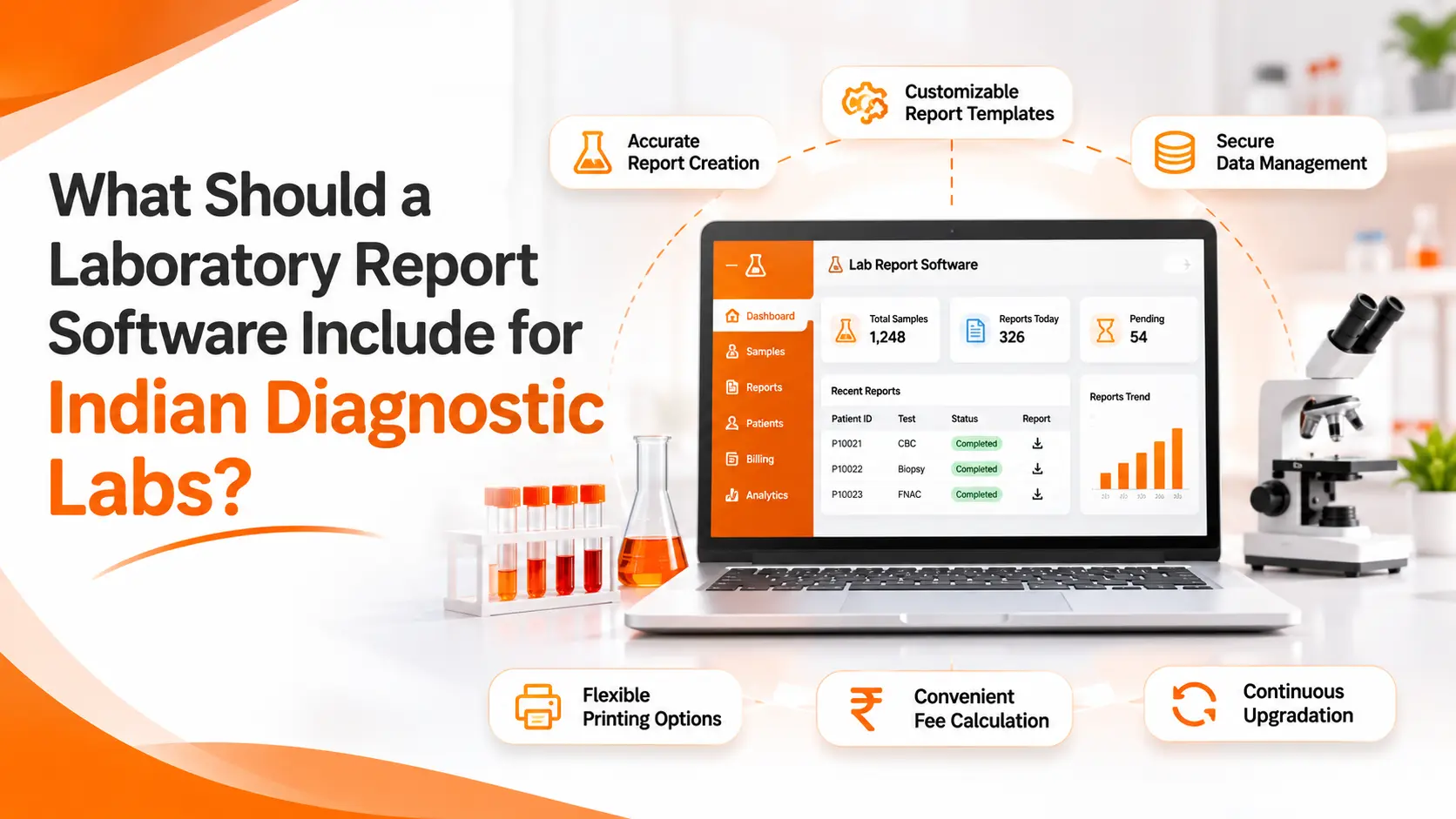
Why Laboratory Report Software Matters for Indian Labs
Indian diagnostic labs have their own pressures. Patients expect reports on WhatsApp within hours, not days. Doctors want clear, consistent formats. Accreditation bodies like NABL expect proper records. And smaller labs in tier-2 and tier-3 cities have to do all of this on a tight budget.
Good software helps in three ways:
- It cuts manual typing, which is where most errors begin.
- It speeds up turnaround time (TAT), so patients get results sooner.
- It keeps a clean record of who did what, which makes audits far less stressful.
Now let’s look at what it should actually contain.
Core Features Every Laboratory Report Software Should Have
1. Easy Patient Registration and Sample Tracking
Everything starts at the front desk. If patient details are entered wrongly here, the mistake travels all the way to the final report. Look for software that captures name, age, gender, referring doctor, and contact number in a few quick steps, and that links each sample to the right patient.
Auto-complete fields and basic validation help a lot. For instance, the system can warn the receptionist when a phone number looks incomplete, or when a returning patient is being entered as a new one.
2. Smart Result Entry with Auto-Fill
Typing results by hand is slow, and it is also risky. A good system should let technicians pick a test, fill in values, and have the rest populated automatically. That includes units, methods, and reference ranges.
This matters more than it sounds. A haemoglobin value, for example, means different things for a child, a woman, and a senior citizen. Software that applies age- and gender-based reference ranges on its own removes a whole category of silent errors.
3. Critical Value Flagging
Not every abnormal result is equal. Some need urgent attention from the pathologist or the referring doctor. The software should highlight high, low, and critical values clearly, using bold text or colour, so nobody has to scan the page line by line to find them.
This one feature can protect patients, and it protects your lab’s reputation as well.
4. Customizable Report Templates
Every lab wants its own look. You might need your logo, your accreditation details, the pathologist’s signature, and a footer with branch addresses. At the same time, different tests need different layouts. A blood count report looks nothing like a biopsy report.
Good laboratory report software offers reusable templates for each test type, so the format stays consistent whether the report is made on Monday morning or Saturday night. Templates should be editable too. Reports for FNAC, biopsy, and body fluids often need free-text sections, and a rigid format simply won’t work for them.
5. Quick Report Generation
Speed is a feature in itself. If your staff needs ten steps to produce one report, the software is not really saving time. Look for a workflow where the report can be generated in just a couple of clicks after results are verified, with room for manual edits before the final approval.
ItHealth, for example, is built around two-click report generation and still allows editing before sign-off. That balance between speed and control is what you should look for in any tool.
6. Pathologist Review and Approval Workflow
Neither the technician nor the pathologist should be working in the dark. The software should let a technician enter results, mark them as ready, and then pass them to the pathologist for review. Only after approval should the report become final and shareable.
This step-by-step flow adds a layer of safety. It also makes sure that unverified reports never reach patients by mistake.
Report Delivery Features That Patients Now Expect
7. Multi-Channel Delivery: WhatsApp, SMS, Email, and Print
Here’s something every lab owner in India has noticed: patients don’t want to come back to collect a paper report if they can avoid it. They would rather get a PDF on their phone.
Strong laboratory report software should let you send reports through WhatsApp, SMS, email, or print, depending on what each patient prefers. Automatic reminders and “report ready” messages are useful as well, because they cut down the phone calls your front desk handles every day.
8. Secure Access to Reports
Convenience should not come at the cost of privacy. Medical data is sensitive, and India’s Digital Personal Data Protection Act, 2023 has made data handling a more serious topic for every business that stores personal information. Ask the vendor how reports are shared, who can view them, and how patient data is stored.
Management and Compliance Features Behind the Scenes
9. Role-Based Access Control
A receptionist doesn’t need to see the pathologist’s remarks. A billing executive doesn’t need to edit test results. Role-based access lets you decide who can view, edit, or approve what.
It is not only about security but also about accountability. When each person has their own login, you always know who made a change.
10. Audit Trails and Compliance Support
If your lab is NABL-accredited, or planning to become so, you will need proper records. Your software should keep a log of entries, edits, approvals, and deliveries. Look for tools that support compliant report formats and keep a clear history for every report.
Whether you are preparing for an assessment or simply answering a patient’s complaint, an audit trail saves hours of searching.
11. Integrated Billing and Invoicing
Reporting and billing are closely linked. A patient pays, the test is booked, and the report is released. When these live in separate tools, mistakes creep in. A report may go out without payment being recorded, or an invoice may not match the tests that were run.
Software that handles both in one place keeps things tidy, and it gives owners a clearer view of daily revenue.
12. Dashboards and Turnaround Time Reports
You can’t improve what you can’t see. A useful dashboard shows patient volume, pending tests, TAT, and revenue at a glance. Over time, these numbers help you spot slow steps, busy hours, and staff who may need extra support.
What to Check Before You Buy
Features on a brochure are one thing; how the software behaves in your lab is another. Before you commit, keep these points in mind:
- Ask for a live demo using your own test panel, not a ready-made sample.
- Check customization. Can the vendor set up your specific tests and formats?
- Understand the hosting options. Some labs prefer the cloud, while others want an in-house server. Make sure your choice is supported.
- Ask about analyzer integration. Many tools, including ItHealth at present, do not connect directly to lab analyzers. If this matters to you, ask about the roadmap, and don’t assume it’s included.
- Look at the real cost. Check whether pricing is per seat, per month, or per report, and what support is included.
- Check the setup time. A good vendor should give you a clear timeline for going live and training your staff.
Is Laboratory Report Software Worth It for Small Labs?
Yes, and it is often small labs that benefit most. A large chain can afford extra staff to double-check every report. A smaller lab usually cannot. Software becomes that second pair of eyes, and it also saves hours every week that your team can spend on patients instead of paperwork.
The key is to pick a tool that fits your size today but can grow with you. Starting small and moving to a bigger plan later is far easier than switching platforms after two years of data.
A Simple Way to Decide
If you are comparing options, draw up a short checklist from the features above and mark each one as “must-have” or “nice-to-have.” For most Indian diagnostic labs, the must-haves are auto-fill result entry, customizable templates, quick report generation, WhatsApp and SMS delivery, role-based access, and audit trails. Everything else can be added as your lab grows.
If you want to see how these features work in practice, you can look at ItHealth, Imbibe Tech’s laboratory information system built for diagnostic labs in India. It covers reporting, billing, patient management, and delivery in one place, so it’s a useful reference point while you compare.
Frequently Asked Questions
What is laboratory report software?
Laboratory report software is a digital tool that helps diagnostic labs enter test results, apply reference ranges, format reports, get them approved, and deliver them to patients. It replaces manual typing and paper-based processes, which lowers errors and speeds up turnaround time.
Which features are most important in laboratory report software for Indian labs?
The most important features are auto-fill result entry, critical value flagging, customizable templates, a pathologist approval workflow, WhatsApp and SMS delivery, role-based access, and audit trails. Integrated billing and a simple dashboard are also very useful for day-to-day management.
Can small diagnostic labs use laboratory report software?
Yes. Small labs often gain the most because the software reduces manual work without needing extra staff. Look for a tool that is affordable, quick to set up, and flexible enough to scale as the lab adds more tests, branches, or users.

